
Co-Working
-
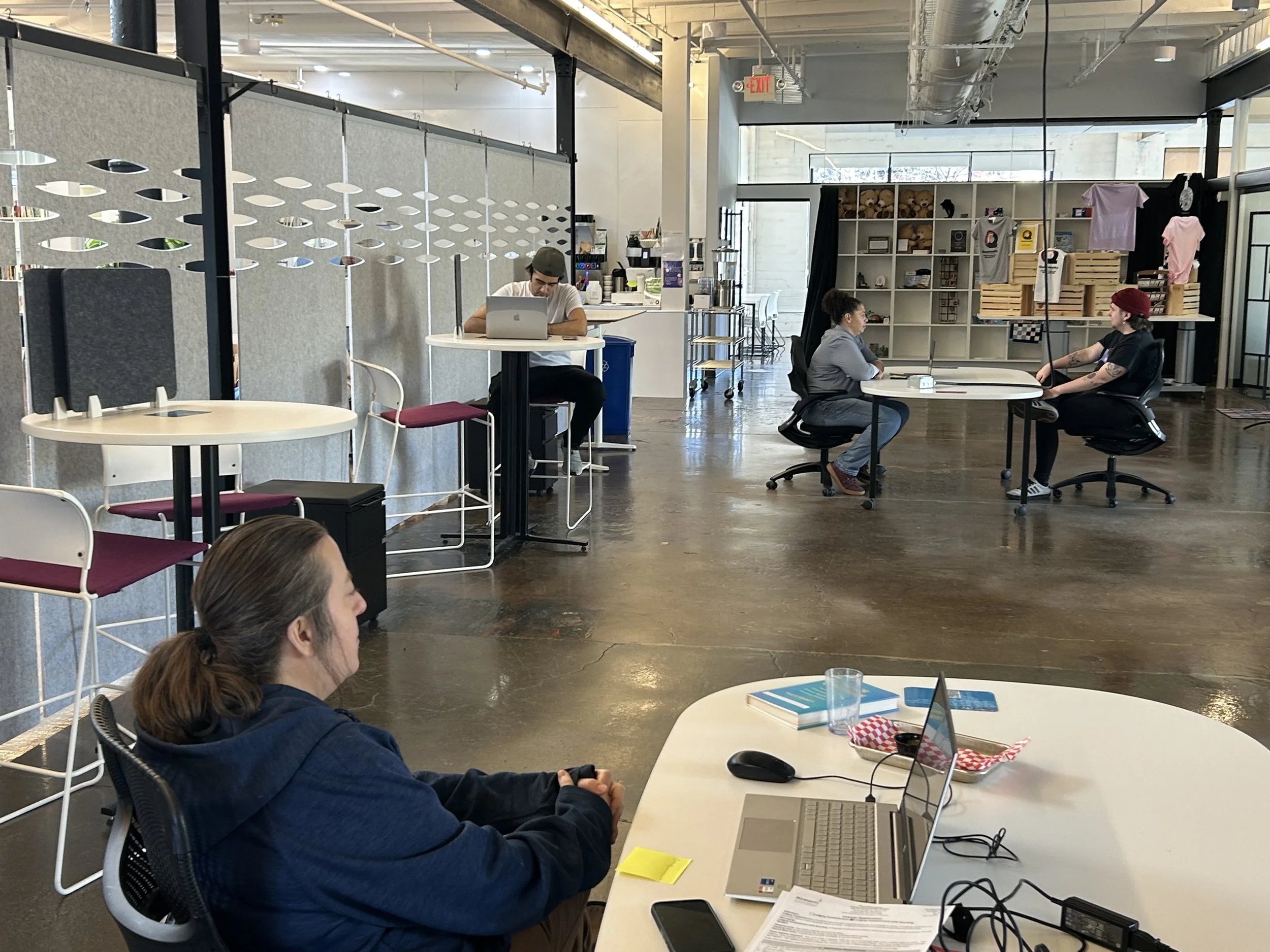
A Co-Working desk comes with a guarantee access to a power outlet.
-
Access to a dedicated high speed Wifi. Show the desk booking at the front desk to get the password!
-
Desks are available Monday through Thursday.
Monday & Tuesdays ring the doorbell for a staff member to let you in the building.
-
Desks are $15 per day, and help support keeping this space open!
HOW TO USE Co-Working Desks
Step 1:
Go to the Queermunity App
Step 2:
Click on Desks
Step 3:
Select the Date you want to book for. Automatically will be set to the current date.
Step 4:
Select an available desk; NOTE Desk are not available Friday - Sunday
Step 5:
Chose Payment method and purchase the pass
Step 6:
When you get to queermunity show the pass to receive the wifi password.
Office Spaces
-
Our Office spaces are private rooms with locking doors.
-
Access to a dedicated high speed Wifi. This wifi is specific to tenants.
-
Available to access the office space daily during operational hours.
Monday & Tuesdays ring the doorbell for a staff member to let you in the building.
-
Office Space Prices are based on square footage.

Current Office Availability
Currently we have *** office(s) available.